
Internal IT

9 Reasons IT Teams Switch to a New MDM (and Why Apple‑First Matters)
Thinking about switching Mac or Apple MDM providers? Discover 9 reasons IT teams move to Apple‑first MDM platforms—better security, real‑time control, DDM‑ready updates, and easier MDM migration than ever.

Deploying Managed Claude Code Policies at Scale for Apple MDM
Learn how IT and MSP teams use Addigy to centrally deploy and enforce Claude Code policies on Macs, improving AI governance, security, and compliance.

Provisioning vs Deployment: A Practical Guide for IT Teams
Learn the difference between provisioning and deployment in Apple MDM, so IT managers and MSPs can scope projects, assign ownership, and scale zero-touch rollouts.

Scaling Secure Apple Management Without Scaling Headcount
Scale Apple device management without adding headcount. Learn how IT teams and MSPs can use automation, policy-driven controls, and centralized visibility to securely manage Apple devices alongside Windows and the rest of their environment.
Randomized MAC Addresses: What IT Admins Need to Know
Learn how randomized MAC addresses affect secure Wi‑Fi and how Addigy Apple MDM policies keep Apple devices compliant and connected in enterprise networks.

10 Years of Addigy in MacAdmins: Stories from the Community & What’s Next for Apple IT
Celebrating 10 years of the Addigy community.
From a simple Slack channel to a global hub for Apple IT pros—join us on January 28 to celebrate a decade of collaboration, learning, and real-world Apple management.

How to DFU/IPSW Restore an iOS/iPadOS device to a specific OS version
Learn how to use DFU mode and IPSW files to restore any compatible iOS or iPadOS device to a specific, signed OS version. Perfect for QA teams and Apple platform testing.
Why Apple OS Updates Still Hurt
Learn from product experts how Apple MDM is shifting to DDM for macOS updates and how IT can use declarative management to keep devices secure and up to date.
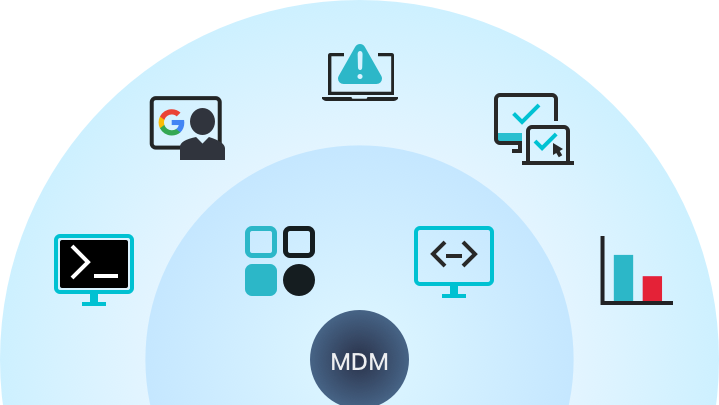
Apple MDM Evaluation Checklist
This checklist gives your team a clear, vendor-agnostic way to evaluate Apple MDM options and avoid costly mistakes on your first deployment.
Accessibility Update – Fall 2025
We continue on our path to improve accessibility throughout our web application. This quarter we added the following improvements:
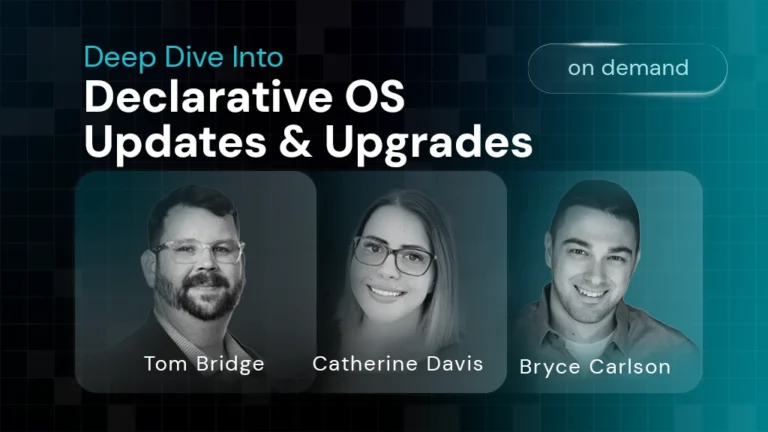
Deep Dive Into Declarative OS Updates & Upgrades
Apple’s approach to OS updates has changed a lot — from manual updates, to MDM-driven commands, and now to Declarative OS Updates. This webinar breaks down what’s changed, why it matters, and how you can make updates smoother across your fleet.