
SOLUTIONS: FOR MANAGED SERVICE PROVIDERS
Apple MDM Built for MSPs
Manage every client and every Apple device from a single login. Addigy is the multi-tenant Apple MDM built for MSPs. Automate onboarding, cut support tickets, and enforce security across all your clients without the busywork. Deliver premium Apple support that protects your margins.












“MSPs like Valiant Technology grew revenue 33% and boosted EBITDA 10% after switching to Addigy.”
Addigy makes Apple your easiest offering.
Fewer tickets
Larger margins
More devices per tech
Real MSPs. Real Results. See Why They Choose Addigy.
Overview
The only Apple “RMM” built for the MSP model.
Designed to make Apple support easy and profitable.
MULTI-TENANT MANAGEMENT
All of your clients.
All of their devices.
One login to work.
- Always-on device visibility for every fleet
- Instantly push updates and policies across tenants
- No need for account switching or tab toggling
- Use Amplify to monitor any MDM, without migrating your client

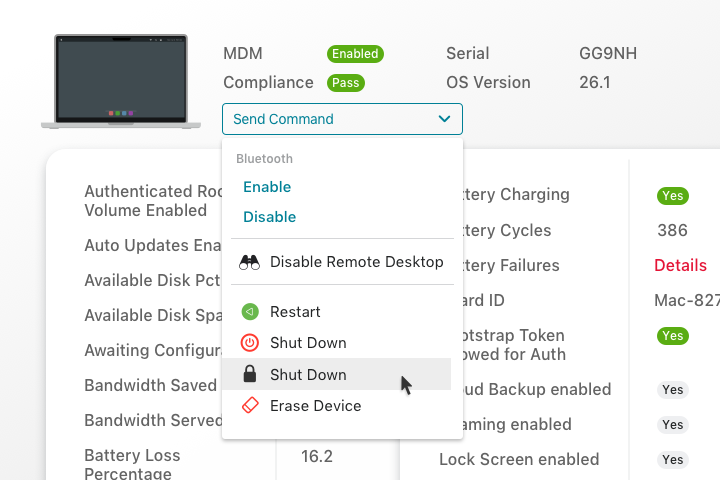
REAL-TIME ALERTS & REMOTE ACCESS
Your clients’ real-time problems need real-time fixes.
- Never get caught off guard with real-time alerts
- 100+ device metrics, monitored continuously
- Instant remote screen share or command line access
- Reduce escalations and resolution time
ROBUST REPORTING
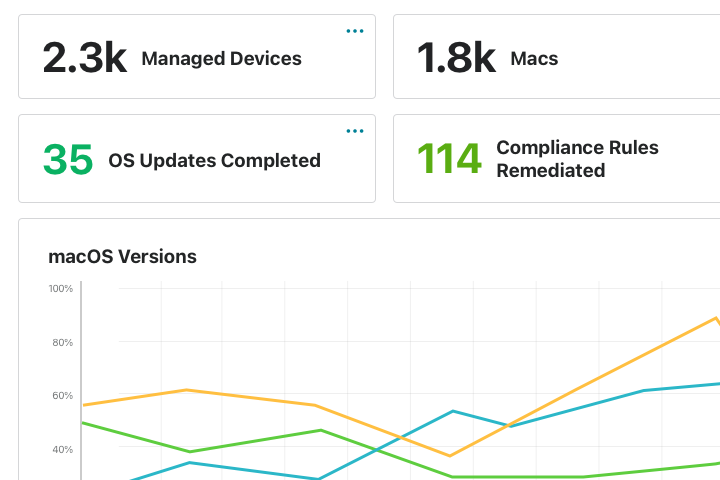
Easily prove your value
to clients.
- Robust dashboards for every client from day one
- Track usage, updates, and compliance easily
- Customize audit-ready or proof-of-work reports
- No more compiling spreadsheets or metrics

EFFORTLESS ONBOARDING
Add clients without adding busywork.
- Zero-touch deployment, out of the box
- Apply settings once—inherit across orgs
- Deploy apps instantly with prebuilt catalog
- Self Service portal, brandable with your logo
BUILT-IN ENDPOINT HARDENING
You set the benchmarks. Addigy enforces them— automatically.
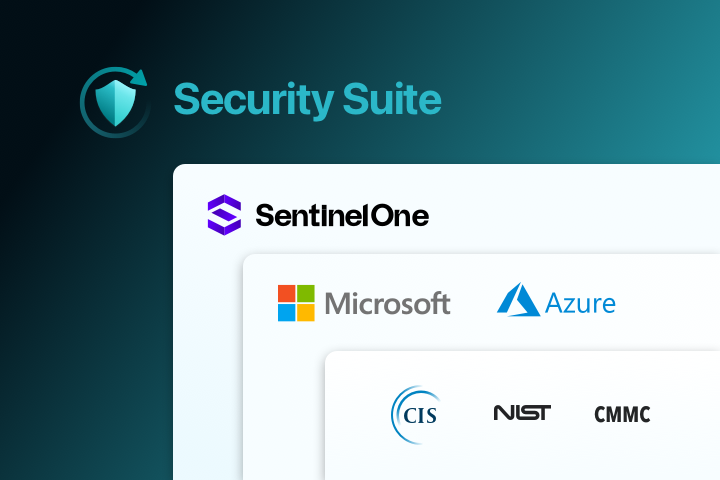
- Pick the CIS, NIST, or CMMC baselines your
client needs - Let Addigy persistently monitor and auto-remediate for drift
- Customize audit-ready or proof-of-work reports
- EDR and 24/7 MDR by industry renowned SentinelOne

FLEXIBLE PRICING
Grow your Apple offering and your margins.
- Built exclusively for Apple-focused MSPs
- Reduce overhead with purpose-built automation
- Grow clients without growing your team
- Pricing that protects your margins



Products
No matter what your clients need,
Addigy has everything to grow with you.


Stop spending admin hours.
Start earning Apple clients instead.
14 Days. All features. No commitment.
Start Your Free 14-Day Trial
See how you can support your clients’ Apple devices with a single Addigy account. No demo required, just sign up and start managing devices today
Start your Free 14-day trial of Addigy
All features unlocked. Your data is never shared.
Frequently Asked Questions
Can I manage multiple clients from a single Addigy account?
Yes, Addigy is designed for effortless multi-tenant management, letting you control every client’s devices, policies, and updates from a unified dashboard. No switching accounts or tabs needed.
How easy is it to migrate clients to Addigy from another MDM platform?
Addigy provides guided migration, bulk device onboarding via Apple Business or manual methods, and deep customer support during transitions.
For macOS devices, factory reset is not needed for migration. The Addigy team will guide you through best practices for minimal disruption each step of the way.For macOS devices, factory reset is not needed for migration. The Addigy team will guide you through best practices for minimal disruption each step of the way.
What reporting and automation tools are available for MSPs in Addigy?
Addigy offers instant, exportable compliance reports, client-level health dashboards, and automated update and remediation workflows, allowing MSPs to scale services efficiently and prove results to clients.
How does Addigy’s support compare to other Apple MDM vendors?
MSPs report Addigy support as “exceptional and timely” with dedicated onboarding sessions, ongoing training, and unlimited US-based support for all partners. Our company’s proactive approach to feature requests and issue resolution is regularly cited as a top reason MSPs choose Addigy.
Can I restrict access per tenant or technician?
Absolutely. Use policy restrictions and user roles to limit technician visibility and actions, ensuring security and data privacy for each client or tenant.
How does automation work across tenants?
Automation policies, scripts, and updates can be created at the global/parent level and will cascade down to all organizations or specific tenants, thanks to Addigy’s hierarchical policy structure and policy inheritance. MSPs also have the flexibility to apply tenant-specific automations when needed, giving full granular control while reducing repetitive admin work across clients in your Addigy account.
Can I monitor and alert all tenants at once?
Yes, Addigy delivers real-time alerting and remote device visibility for all clients from one platform, plus integrates with leading ticketing tools to automate incident tracking for every tenant fleet.
Can I enforce update deadlines using DDM?
Yes. For supported Apple OS versions (macOS 14+, iOS/iPadOS 17+), DDM lets you enforce specific OS versions and deadlines for updates; devices past due will auto-install updates or trigger user prompts.
Addigy automatically uses standard MDM for legacy devices not supporting DDM, so updates and commands reach all endpoints, regardless of version.