
FEATURE: Apple OS upgrades & patching
Stay ahead of every update.
Addigy keeps your Apple devices secure, compliant, and updated—from minor patches to major OS upgrades.
Apple updates and patches, handled.
Addigy automates the patching process across your Apple fleet, so your team doesn’t waste time chasing updates.
Whether you’re deploying macOS upgrades, enforcing iOS and iPadOS versions, or supporting older devices, you stay current across your Apple fleet, no manual
follow-ups required.
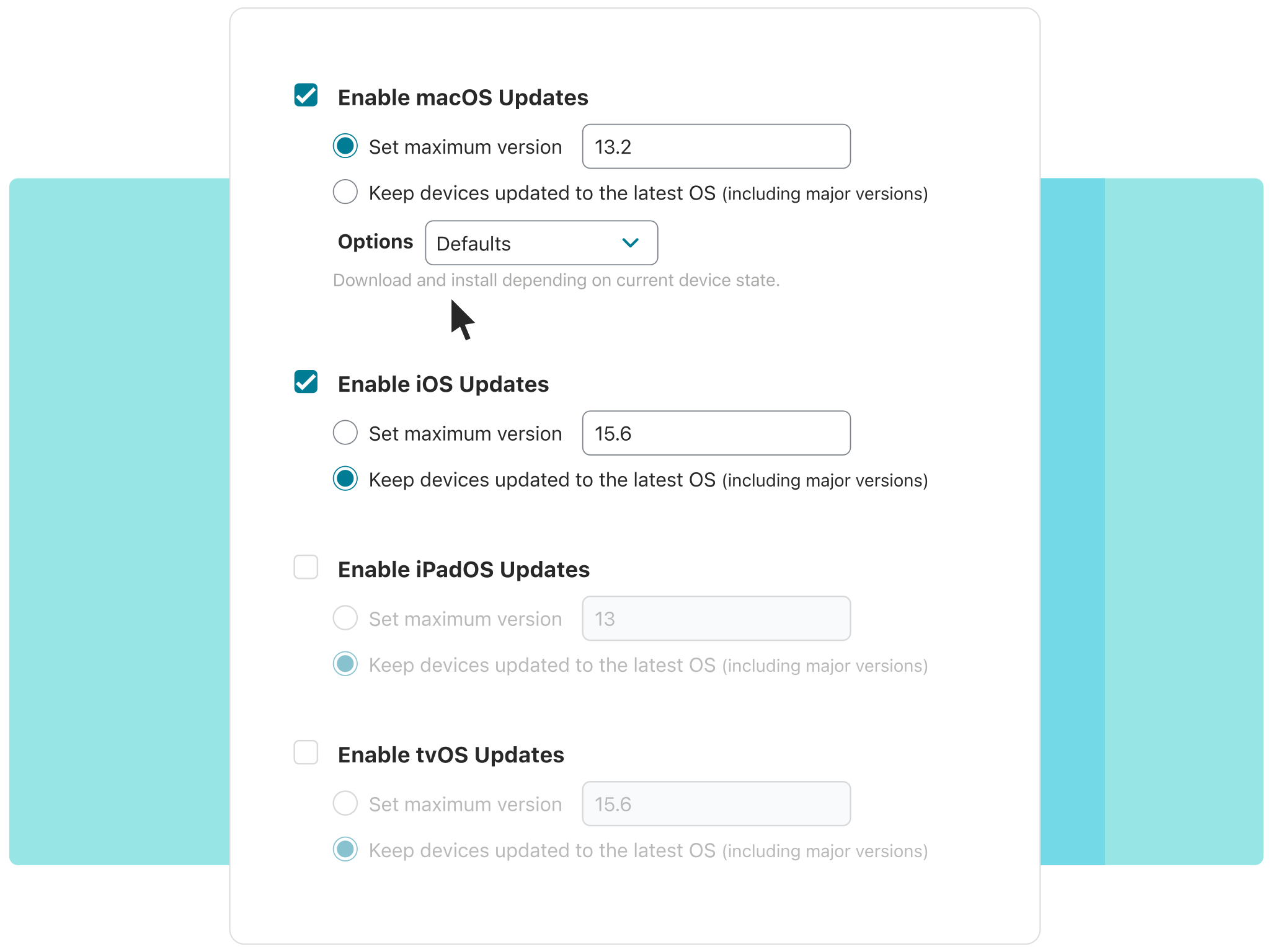
- Schedule updates to reduce disruption
- Automate updates or allow only approved versions
- The latest Declarative management implementation
SMART PATCHING ACROSS DEVICES
Set your patching once.
We’ll handle the rest.
- Auto-deploy OS updates and enforce patching baselines by group or device type
- Retry failed patches automatically, with no need to reschedule jobs
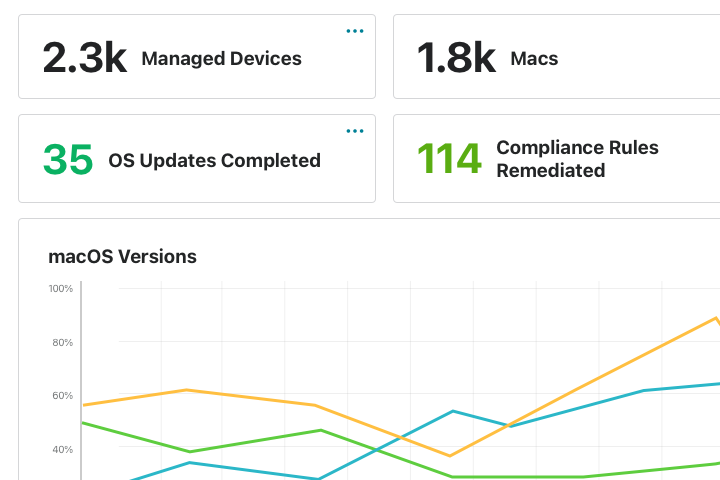
- Monitor patch status in real time to catch drift before it creates risk
BUILT FOR DDM AND MDM
DDM for speed. MDM for everything else.
- Addigy fully supports Apple’s Declarative Device Management (DDM) for faster, more reliable updates on modern devices
- Fall back to standard MDM workflows for older devices that need them
- Ensure coverage across every macOS, iOS, and iPadOS device in your fleet
Learn More
ENFORCE UPDATES WITHOUT DISRUPTION
Respect the user.
Enforce the deadline.
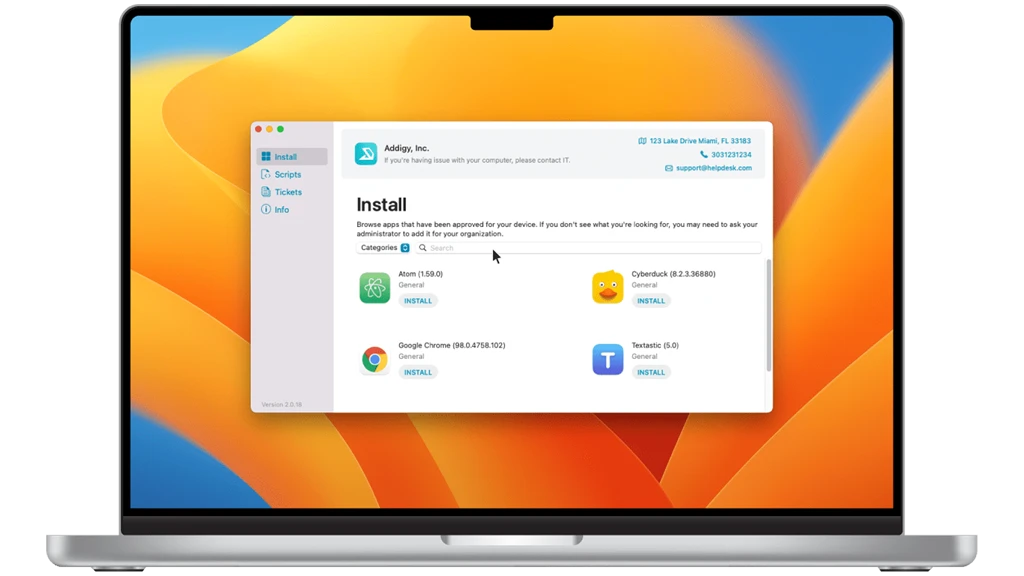
- Set clear deadlines for required updates and upgrades
- Gradually increase reminders as the deadline approaches
- Keep users in the loop—without breaking their flow
Success Stories
Trusted by IT to automate patching, simplify compliance, and eliminate risk.






Security starts with staying current.
14 Days. All features. No commitment.Frequently Asked Questions
Can I enforce OS updates on devices that are offline or haven't checked in recently?
Yes. Addigy’s agent remains active and responsive even when macOS MDM services are unresponsive or a device has missed check-ins. When the device comes back online, enforced update policies are applied immediately. This closes a common gap in interval-based MDMs like Jamf, where delayed check-ins can leave devices unpatched for hours or days.
Can IT teams schedule update windows to avoid disrupting users, and how granular is that control?
Addigy lets you define specific update windows, defer major upgrades, and push minor security patches separately — with real-time status tracking per device. You can target update policies by group, department, or individual device, giving you more granular control than broad fleet-wide update waves typical in competing platforms.
What happens when a macOS device doesn't meet the minimum requirements for a new OS version?
Addigy flags ineligible devices in your compliance dashboard and excludes them from incompatible update policies automatically, preventing failed update attempts. You can then target those devices with the latest compatible OS version, keeping them as secure as possible without manual triage.
How does Addigy's DDM-based OS update enforcement compare to Jamf's or Iru's update management?
Addigy supports Declarative Device Management (DDM) for macOS 14+ and iOS/iPadOS 17+, enabling enforced update deadlines with user-facing deferral controls — just like Jamf and Iru. Where Addigy differentiates is its automatic fallback to traditional MDM for older OS versions, ensuring your entire fleet is covered without managing two separate update workflows.