
AUTOMATED DEVICE ENROLLMENT (ADE)
Zero-touch setup.
Full-fleet control.
Automatically enroll and configure Apple devices from the moment they power on—no hands, no tickets, no wasted time.
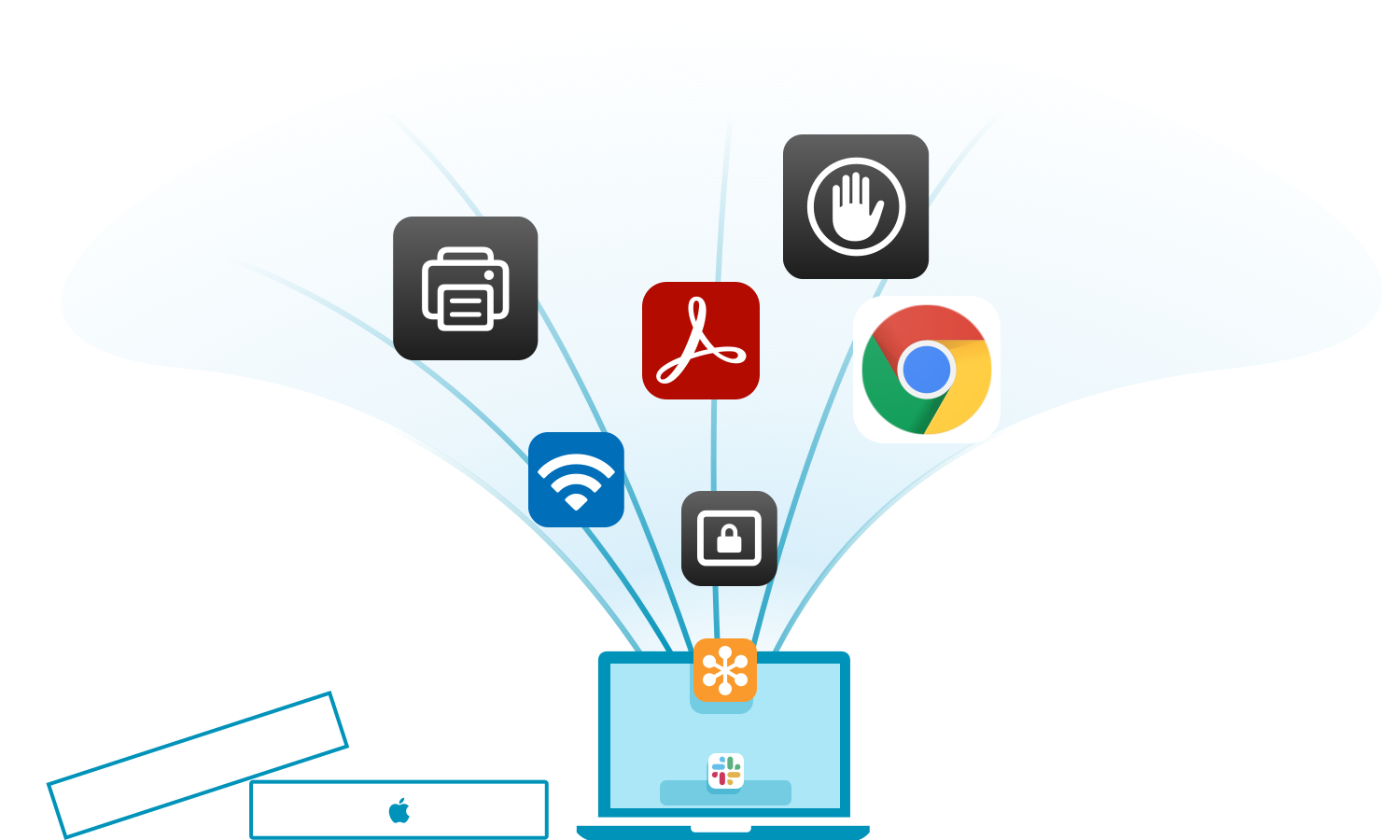
From shrink wrap to secure—in minutes.
Addigy automates Apple device enrollment at scale—
supporting both company and personally owned devices.
With policy-driven provisioning, centralized control, and real-time visibility, every Mac is fully configured before it ever hits a desk. IT teams can deploy across teams or clients with zero-touch setup.
Automate Apple device setup from the very first boot.
- Provision new Apple devices straight out of the box with ADE
- Pre-configure software, security settings, and network access
- Tailor policies by end user, role, department, or location
- Support both company-owned and personally owned Apple devices


ZERO-TOUCH DEPLOYMENT
No desk drop. No IT hand-holding. No delays.
- Devices enroll automatically during Setup Assistant
- End users log in with SSO (Google, Okta, Azure, or SAML)
- Apps, settings, and compliance tools are ready from Day One
- Smart prompts handle restarts, low battery, and connectivity issues
REAL-TIME VISIBILITY & CONTROL
See every device.
Trust every setup.
- Monitor setup progress in real time with Addigy Assist
- Instantly detect issues and know when a device is fully configured
- Gain full visibility into inventory, policies, and compliance
- Reduce help desk tickets and onboarding guesswork

Want a more branded onboarding experience?
Addigy Assist builds on zero-touch deployment with real-time setup
progress, custom workflows, and a sleek Apple-native UI.




Effortless Apple Device Management Starts Here
14 Days. All features. No commitment.Frequently Asked Questions
What device enrollment options are available in Addigy Apple MDM?
Addigy offers Automated Device Enrollment (ADE) for zero-touch provisioning via Apple Business Manager, as well as manual, user-initiated, and BYOD enrollment methods. IT can onboard Apple devices remotely – scaling deployments for offices, schools, or hybrid environments.
Can I bulk-enroll Apple devices into Addigy?
Yes. Addigy’s mass enrollment tools let you onboard unlimited macOS, iOS, and iPadOS devices quickly via ADE or bulk uploads, making large deployments straightforward for any size IT team.
How do we assign devices to users, groups, or locations automatically during enrollment?
Addigy Apple device management uses policies and smart groups—linked to Apple Business Manager, Active Directory, or IdPs—to assign users, groups, or locations. Devices are automatically provisioned with the correct apps, settings, and restrictions upon enrollment.
Are there recommended policies or configurations for first-time deployment (Wi-Fi, VPN, compliance, security)?
Yes! Addigy Apple MDM supports standardized enrollment templates with Wi-Fi, VPN, FileVault, and compliance settings, enabling instant best-practice deployment for any fleet size.
What are the steps if a device fails to enroll or drops out of management—how does remediation work?
Addigy Apple MDM has robust troubleshooting tools. Devices stuck in enrollment can be remediated using re-enrollment scripts, QR codes, and real-time GoLive rescans. IT can monitor status and receive alerts if any device drops out of management for swift resolution.