
FEATURE: SOFTWARE DEPLOYMENT
Automated deployment that scales with you.
Push apps and updates instantly—fleetwide or device-by-device—with zero extra clicks.
macOS App Deployment and Management
One-click app setup

App Deployment

Automatic Updates

Custom & Store Apps
Self‑Service
Zero-Touch Onboarding
Unbox and go.
New devices, ready instantly.
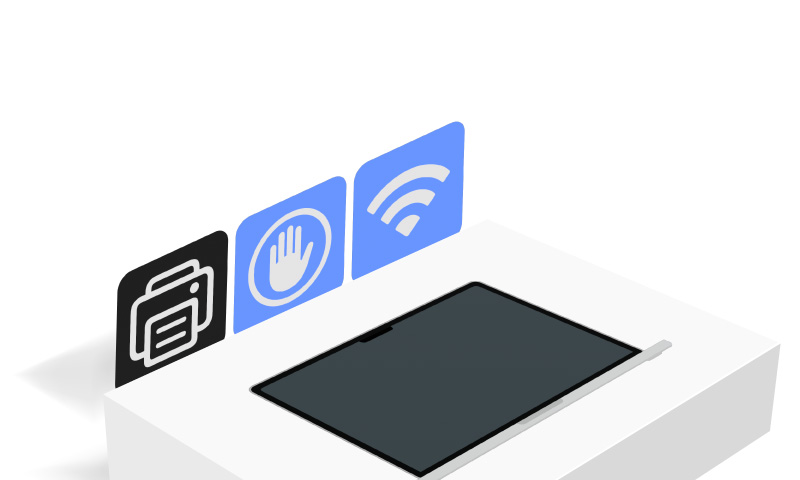
- Integrated with Apple Business Manager and School Manager for true zero-touch setup.
- Preconfigure Wi-Fi, printers, security, privacy, and other settings automatically.
- Every new laptop, iPhone, or iPad arrives ready to use—no admin intervention required.
Apple Apps Integration
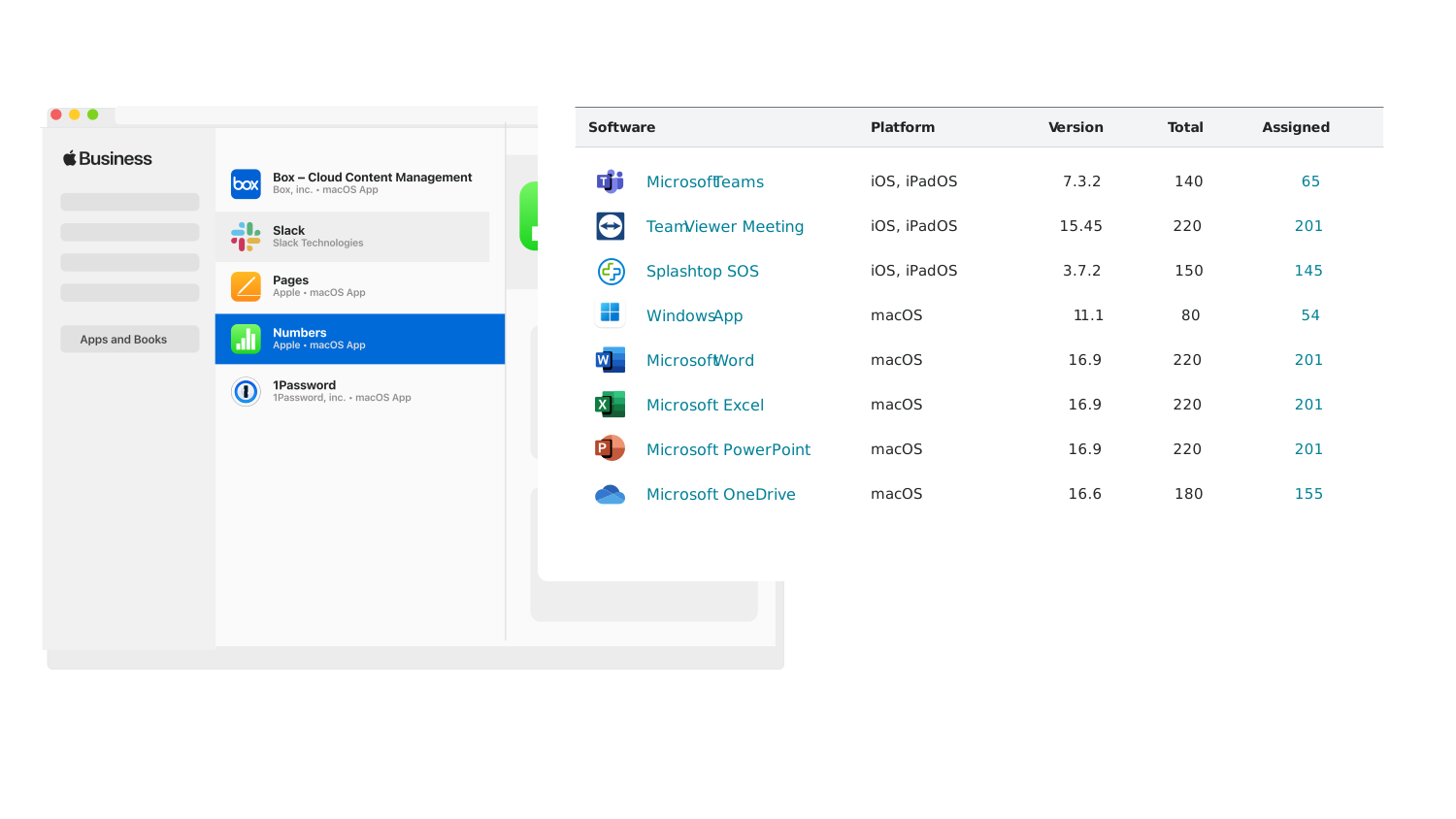
Manage apps and licenses, all in one place.
- Sync and manage Apple Business Manager licenses directly in Addigy.
- Deploy Prebuilt Apps alongside custom PKGs for a complete software stack.
- Apply Managed App Configurations so users can launch apps without setup or wasted time.
SELF SERVICE APPS
Give users freedom, without
adding IT work.
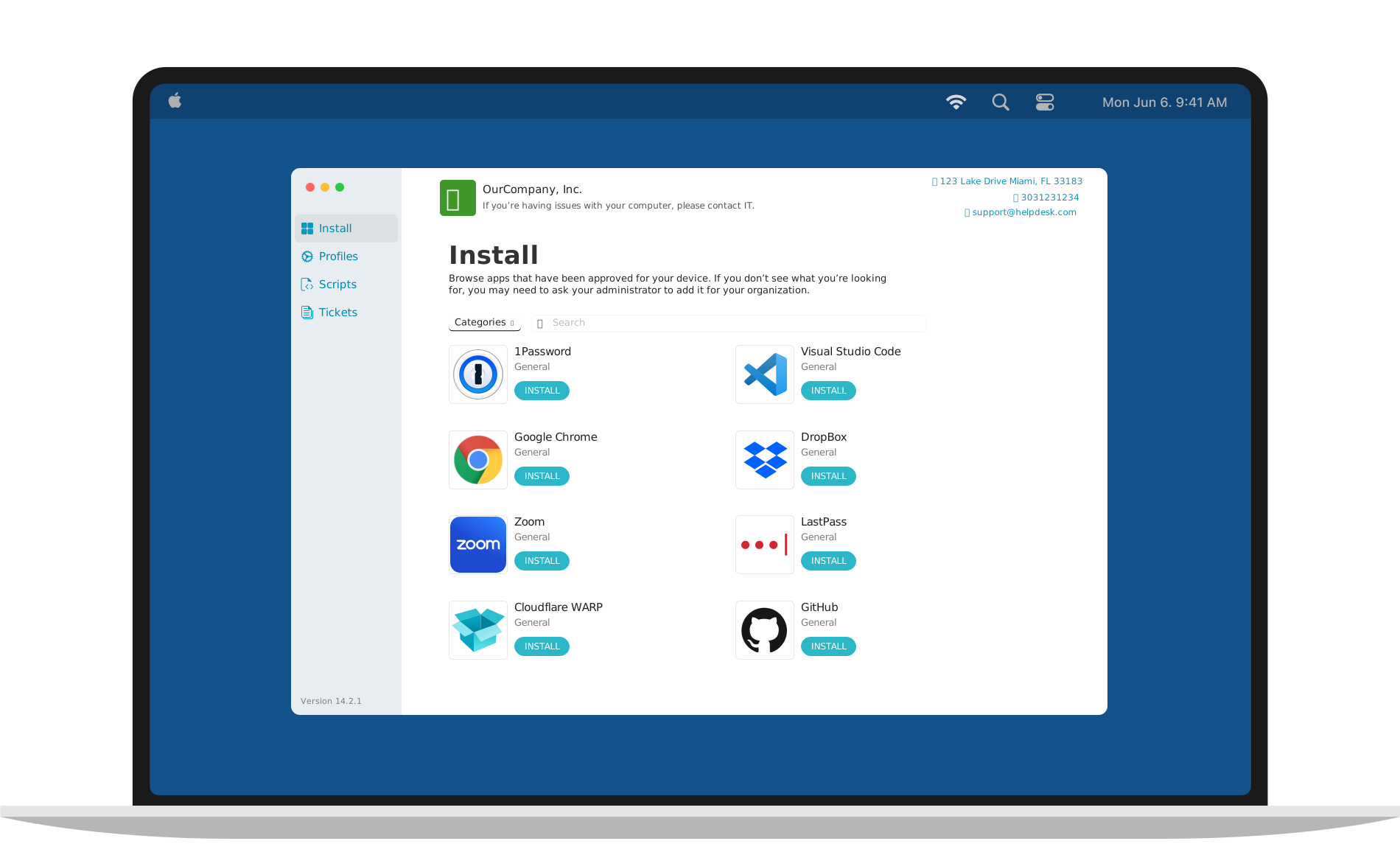
- Users can install approved apps anytime, on Mac, iPhone, or iPad.
- Native Self Service UI with customizable branding.
- Integrated with live chat and ticketing systems to streamline support.
Custom Apps & PKGs
Your apps, deployed your way.
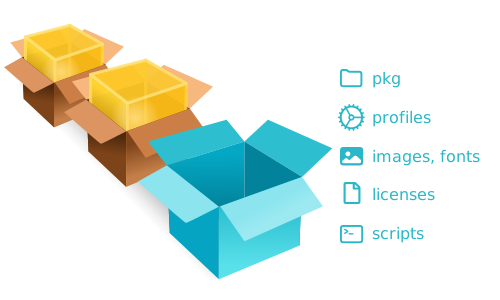
- Upload, manage, and deploy company-specific software to any device.
- Bundle custom PKGs into onboarding for seamless first-day setup.
- Apply once and inherit across orgs, clients, or device groups.




Software deployment made easy.
14 Days. All features. No commitment.Frequently Asked Questions
Can Addigy’s Prebuilt Apps uninstall or rollback software on Apple devices?
No. Prebuilt Apps will not uninstall any software currently installed on your macOS devices; they only deploy and update applications according to your chosen policies.
Can I set a software update window for apps across my fleet in Addigy?
Yes. With Prebuilt Apps, you can set a custom update window. Administrators choose when updates are checked and enforced, ensuring updates happen during off-hours or at a time that best fits your organization’s workflow.
Prebuilt Apps also allows you to delay pushing out app updates for up to 7 days after a new version is released. This gives you time to test or verify app compatibility before users receive the update. End users can then have up to 14 days to update the app before it is enforced on the machine.
How does Addigy’s Prebuilt Apps enforce mandatory updates for end users?
Prebuilt Apps can enforce update deadlines (up to 14 days) and will prompt users to close apps for updating. Updates can be enforced across all policies, and machines offline during enforcement will be updated the next time they come online.
Can I deploy apps as a one-off to an end user?
Yes. Prebuilt Apps support on-demand, “one-off” deployments. This allows IT administrators to instantly push an app update or install directly to an individual device for troubleshooting or urgent needs without waiting for scheduled deployments.
Does Addigy’s catalog support version pinning and custom software deployment?
Yes. IT can pin any catalog app to a chosen version, toggle auto-update on/off, or deploy their own custom PKG or shell software alongside catalog titles. This provides far more flexibility than competing platforms locked to vendor-controlled app lists.