
Feature: Addigy Assist
Onboarding built for IT,
designed for end users.
Deliver fast, branded, and automated Mac onboarding — apps included.
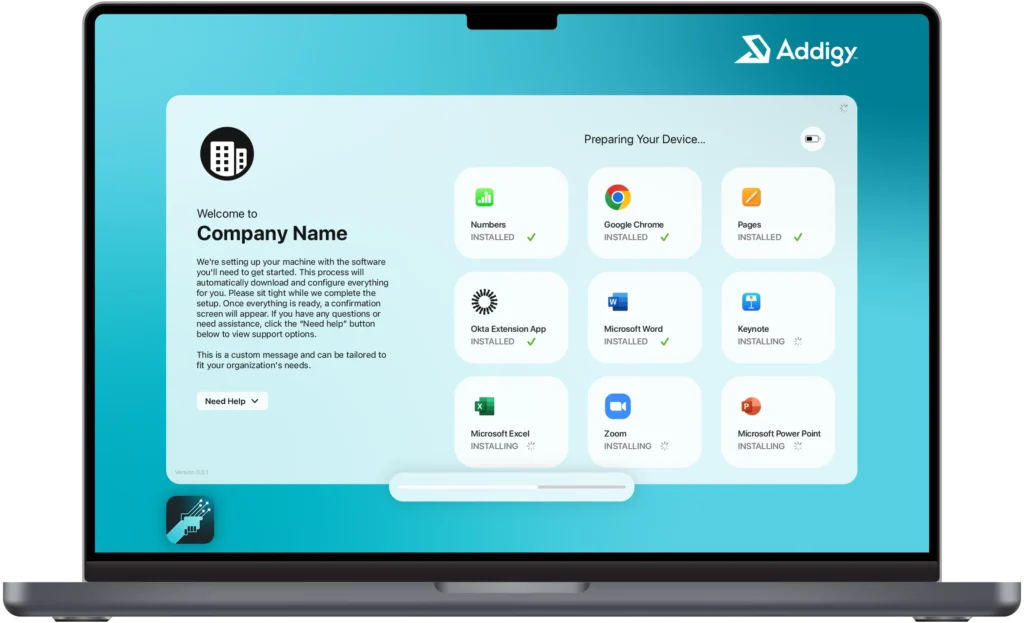
Set up faster. Scale with ease.
Addigy Assist simplifies Mac setup from day one—
whether you’re onboarding new devices or repurposing old ones.
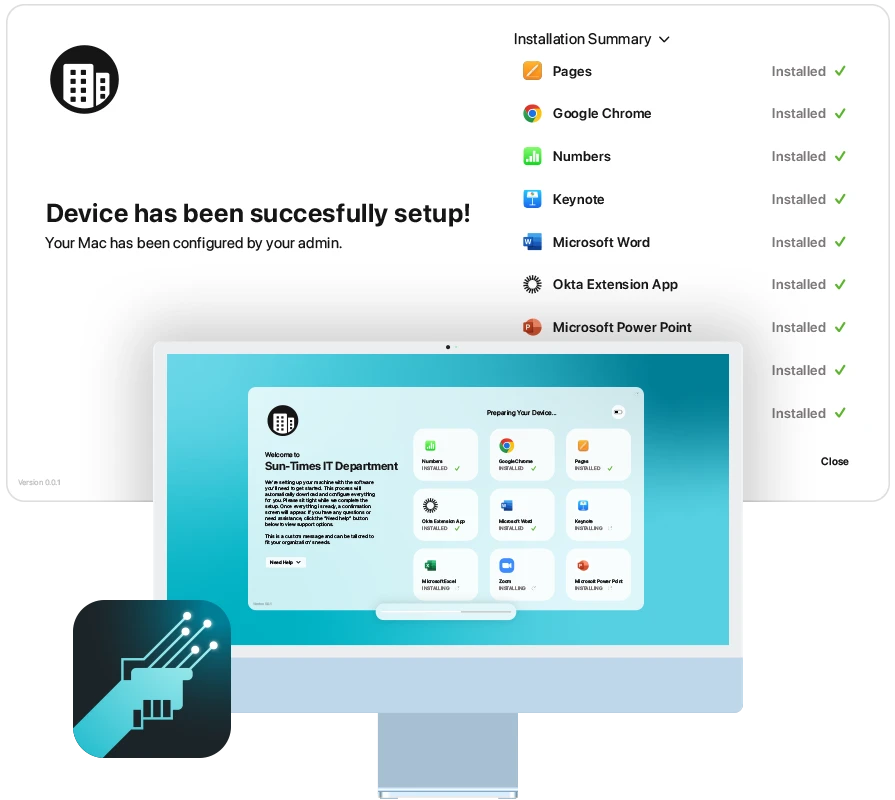
APPLE-NATIVE UI & REAL-TIME UPDATES
Familiar for users. Frictionless for IT.
- Clean, modern interface that feels native to macOS
- Real-time progress tracking keeps users informed
- Deploy apps silently during setup — preconfigured profiles eliminate pop-ups before users ever see them
- Fewer questions, fewer tickets, smoother onboarding
Addigy Prebuilt Apps
Your App Catalog, Ready on Day One.
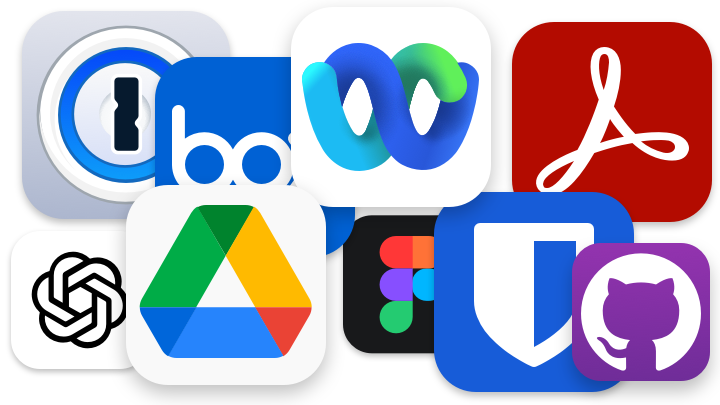
Pair Assist with Prebuilt Apps to deploy your entire app catalog as part of onboarding — silently, automatically, and without a single user prompt. No scripts. No packaging. No day-one “where’s my software?” tickets.
- Apps deploy in the background while users move through setup
- Preconfigured PPPC profiles and system extensions handle permissions automatically
- Updates continue seamlessly after onboarding — set it once, stay compliant
CUSTOM BRANDING & USER PROMPTS
Make setup feel like your org. Not Apple’s.
- Add logos, messaging, and custom onboarding flows
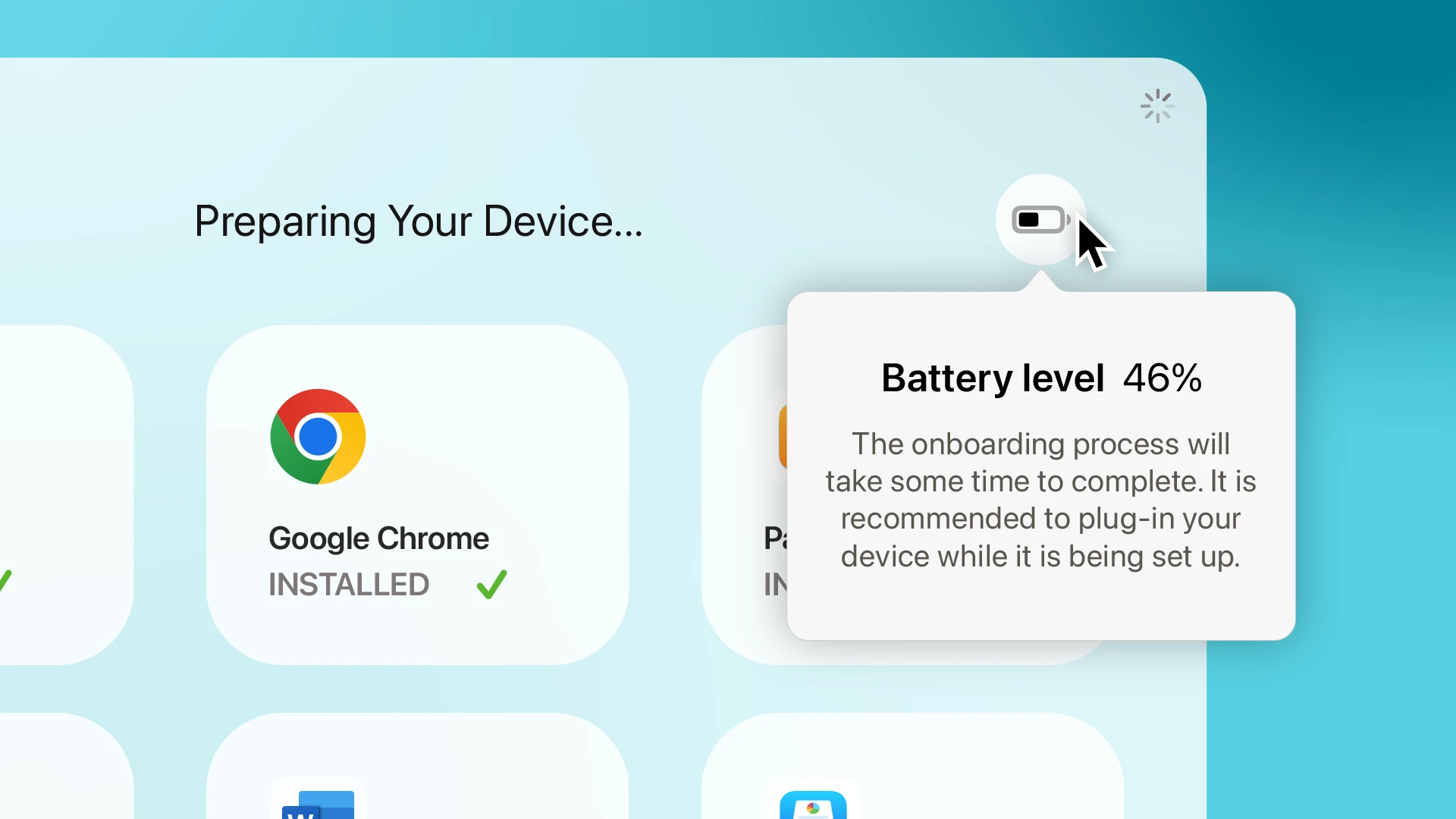
- Guide users through setup with smart prompts for restarts, battery, or network issues
- Keep the experience polished, professional, and interruption-free
BUILT FOR IT TEAMS & MSPS
Scalable Setup Workflows for Any Org
- Configure onboarding for different clients, orgs, or locations
- Reuse workflows across teams while tailoring details per policy
- Deploy consistent experiences at scale—without duplicating effort
AUTOMATED WORKFLOWS & LAN CACHING
Less manual effort. Faster deployments.
- Automate repetitive setup tasks across devices or clients
- Speed up installations with LAN caching—no redundant downloads
- Reduce setup time and network strain with efficient asset delivery
Ready to improve Mac onboarding?
14 Days. All features. No commitment.
Success Stories
Helping IT teams make better first impressions.




Frequently Asked Questions
What is Addigy Assist and how does it fit into Mac onboarding?
Addigy Assist is a macOS-native Swift application that runs after device enrollment to guide new and repurposed Macs through setup. It shows users real-time progress as apps and policies install, handles interruptions like low battery or network drops with Smart Prompts, and delivers a branded, Apple-native onboarding experience — reducing help-desk tickets and giving end users a polished day-one experience.
How fast can I deploy Addigy Assist?
Addigy customers report deploying Addigy Assist in under 10 minutes. Setup is managed from the Addigy Console and does not require custom scripting. Once enabled, Addigy Assist triggers automatically after Automated Device Enrollment (ADE) and runs through the configured workflow on every qualifying Mac.
Does Addigy Assist work for both new Macs and repurposed Macs?
Yes. Addigy Assist handles new Mac deployments and repurposed or re-issued Macs through the same setup flow. IT teams can configure different Addigy Assist experiences per policy, client, or department, and MSPs can run multi-tenant configurations so each customer gets a branded onboarding that matches their organization.
How does Addigy Assist handle low battery, network drops, or restarts during setup?
Addigy Assist uses Smart Prompts to detect and recover from common setup interruptions — low battery, missing or unstable Wi-Fi, and required restarts — so users are guided through resolving them without an IT ticket. Intelligent LAN caching (Addigy LANCache) also speeds up deployments and reduces repeated downloads on the same network, so larger installs finish faster and with less congestion.