
An RMM for Apple Devices
The management and monitoring platforms that used to work years ago can no longer keep up. As Apple devices continue to surpass the use of Windows machines in workplaces (both in-person and virtual), IT needs software tools for this modern workforce.
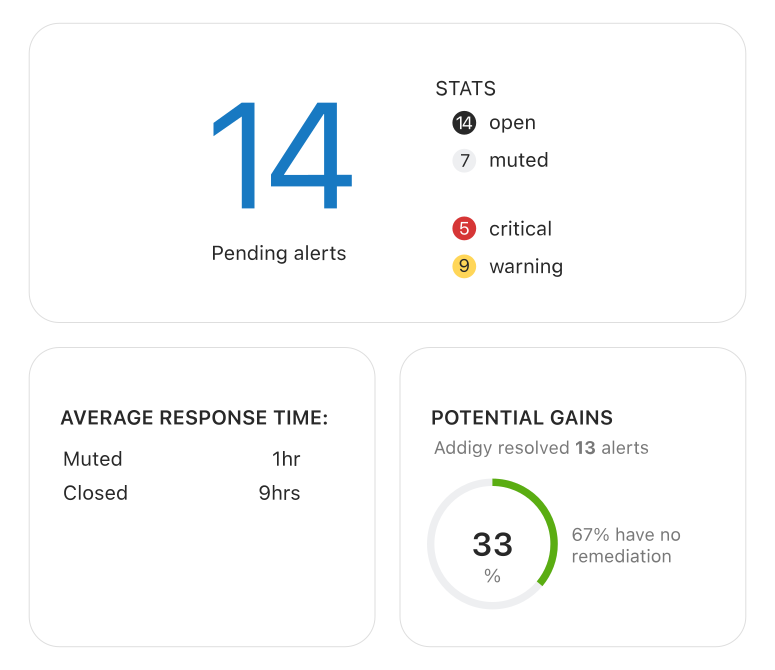
No longer just Windows
RMM has traditionally been a Windows-focused process, with many choices for managing software, computers, networks, and key endpoints.
When Windows devices were the common choice, RMM delivered. But with the next generation workforce, some of the most common assumptions and choices are changing.
More of today’s workers are using Apple devices, which means MSPs need to deliver and service a new wave of products.
Traditional RMM is limited
Maintaining Apple devices with RMM wouldn’t be too much of a problem, except for the fact that Apple devices are fundamentally different from Windows or Android, and failure to bridge the gap can result in noticeable vulnerabilities and weaknesses.
Legacy RMM tools provide only remote control and inventory management capabilities without the ability to monitor, remediate, patch, deploy software, configure and enforce security settings, and more.
Addigy is focused on Apple devices
Admins in need of Apple device management will benefit from Addigy’s unique, one-of-a-kind position in the market. Addigy is:
- Fully cloud-based and secure
- Truly multi-tenant, for large organizations and MSPs
- Easy to learn and full of automations
- Designed to manage Apple devices in much the same way as you manage your Windows devices today
Devices can be added and managed in Addigy in minutes—without ever having to physically touch a device. Addigy is comprehensive in delivering the most modern features and functionality to manage Apple devices efficiently and securely.
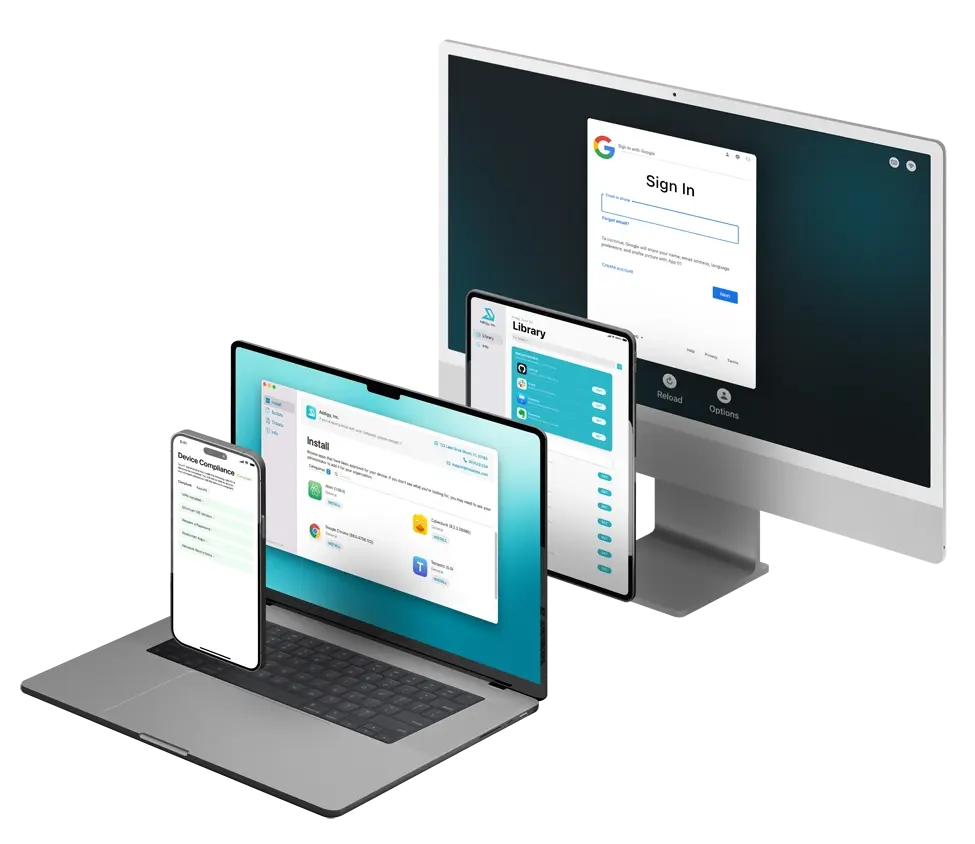
Let Addigy come to the rescue
IT time is as valuable as it is limited. We know that you need modern tools that help you rise to modern challenges, and we’re here to deliver fast and secure results for your managed Apple devices.
FAQ: RMM for Apple Devices
What is Remote Monitoring and Management (RMM)?
Remote Monitoring and Management (RMM) is the practice of continuously monitoring, managing, and securing endpoints (such as laptops, mobile devices, and servers) over the network without physical access. RMM platforms give MSPs and IT teams centralized visibility and control so they can keep devices compliant, updated, and supported across distributed environments.
How does RMM differ from Mobile Device Management (MDM)?
RMM focuses on proactive monitoring, alerting, patching, and automation across entire environments, while Mobile Device Management (MDM) is specifically designed to control mobile and Apple devices at the OS level. In Apple environments, MDM provides native controls like enrollment and configuration profiles, and RMM layers on top to add health monitoring, scripting, and service automation.
What are the differences between RMM, MDM, and RDM (and UEM)?
RMM centers on monitoring, alerts, and automated remediation so MSPs and IT teams can manage many endpoints at scale. MDM delivers platform-native management for Apple and mobile devices, including enrollment, policies, and security settings. Remote Device Management (RDM) focuses on remote access, configuration, and support actions on endpoints. Unified Endpoint Management (UEM) unifies all of this across desktops, mobile devices, and sometimes IoT into a single management console.
How does RMM support BYOD (Bring Your Own Device) policies?
An RMM platform combined with MDM lets you apply monitoring and security controls to personal devices without overstepping into users’ personal data. RMM helps enforce patching, health checks, and compliance, while MDM handles device-level policies and selective wipe of corporate data—making BYOD manageable and secure for MSPs and internal IT.
What features should I look for in an RMM solution for Apple environments?
For Apple-focused RMM, prioritize real-time monitoring, automated patch management, secure remote support, and deep integration with Apple MDM capabilities. Look for multi-tenant management for MSPs, strong scripting and automation, role-based access controls, and integrations with your PSA, identity provider, and security stack so your RMM becomes the hub for delivering managed services at scale.