
Feature: Self Service
Let your Apple users help themselves.
Give users access to approved apps and scripts—without needing admin rights or opening a ticket.
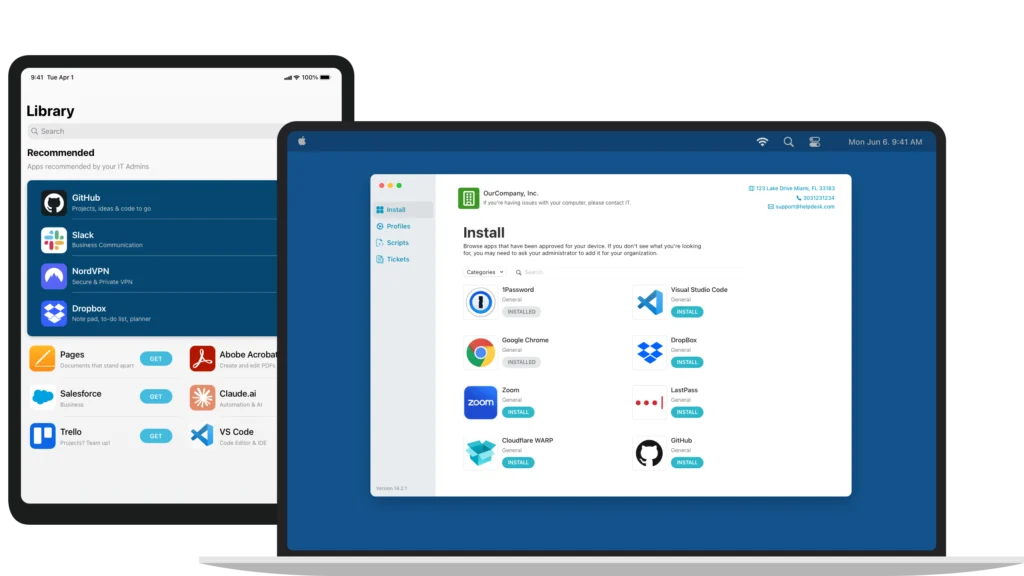
Give users easy access to the tools they need, without creating more work for IT.
Users can install approved software from any Apple device, anytime. It’s customizable, secure, and saves your team from unnecessary support requests.
Everything your users need, in one place.
- Native macOS and iOS apps that feel familiar—no training required
- Let users install approved apps on macOS, iOS, and iPadOS
- Reduce support tickets by giving users what they need instantly.

LIVE SUPPORT & TICKETING
Real-time help, right when users need it.
- Enable live chat so users can reach your team instantly
- Let users request support directly through your ticketing system
- No delays. No detours. Just faster, simpler resolutions
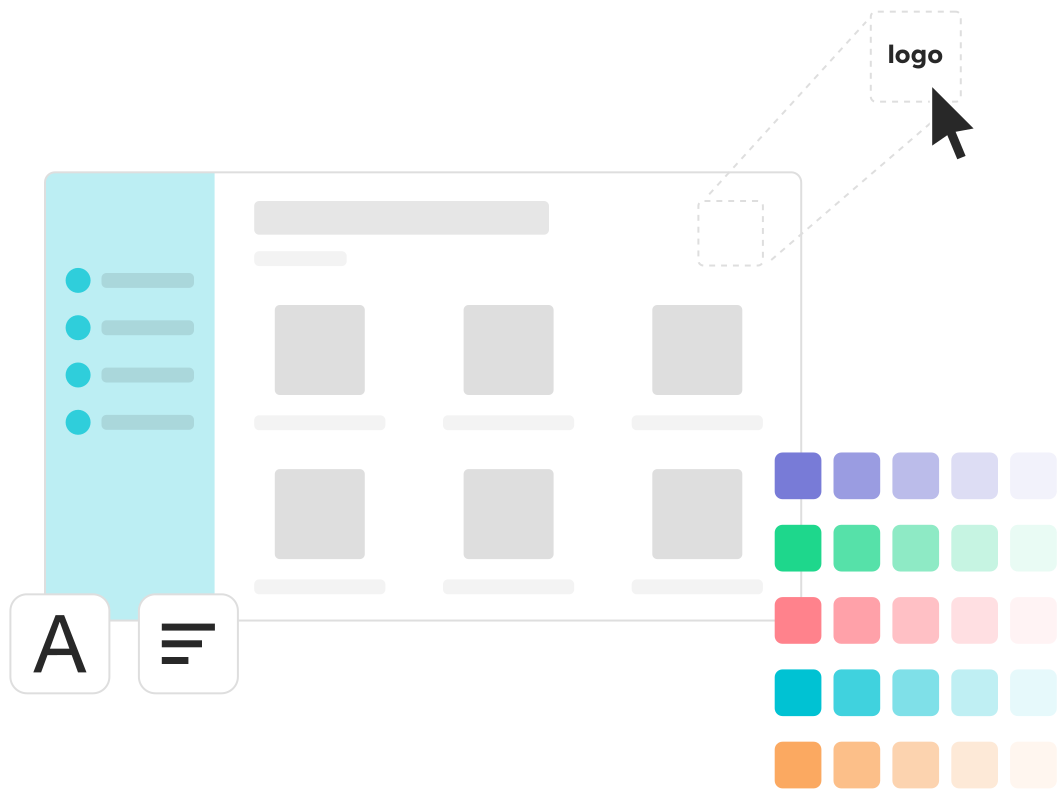
CUSTOMIZABLE EXPERIENCE
Fully brandable. Fully under your control.
- Add your logo, colors, and custom messaging
- Choose which apps appear for which users
- Keep everything aligned with your policies and structure
Software deployment made easy.
14 Days. All features. No commitment.
Frequently Asked Questions
What is Addigy Self Service and how does it help end users?
Addigy’s Self Service portal empowers users to install admin-approved apps, run IT-approved scripts, request support, and get guided notifications—all from a secure, branded app. This reduces support tickets and speeds up troubleshooting for remote teams.
Can IT control which apps and scripts appear in Self Service?
Yes. Admins select which apps and scripts are made available by policy, tailoring the Self Service experience for different user groups, departments, or organizations while maintaining Apple device management security standards.