
Apple MDM for K-12
The real-time Apple MDM for K-12 districts.
Manage thousands of iPads, Macs, and Apple TVs across your district from a single platform. From 1:1 programs to Shared iPad carts to summer reset cycles, built for the IT teams keeping K-12 running.

Trusted by school districts managing thousands of iPads and Macs.




Deploy a new device cart in minutes — without scripting
K-12 iPads, Macs, and Apple TVs enroll the moment they power on with Addigy, fully integrated with Apple School Manager and Automated Device Enrollment
Inheriting devices from another setup or another vendor? Addigy works alongside Apple Configurator so you can bring legacy fleets under management without a forklift migration.
Real-time visibility into every enrolled device — across buildings, grade levels, and device types — gives your team a single source of truth from day one.
Learn more: Automated Device Enrollment | Apple School Manager guide


Shared iPad and 1:1, without the workarounds
A single device might serve six students in a day, rotate through three classrooms, and need to reset cleanly between periods. Addigy supports Shared iPad mode end to end — Managed Apple IDs, Return to Service for clean resets, and policy-based controls that follow the student, not the device.
For 1:1 programs, students get the right apps, content restrictions, and configurations from first power-on. Lost or stolen devices can be wiped remotely to protect district data and stay aligned with FERPA.
Learn more: Shared iPad documentation | MDM platform overview
Built for the K-12 calendar
The May-to-July window is when K-12 IT does its hardest work. Devices come back. Fleets get wiped and re-enrolled. Operating systems get gated and tested. And every iPad cart and Mac lab needs to be ready before professional development starts. Addigy is built around that cadence — with bulk wipe and re-enroll workflows, OS update gating you can hold until you’re ready, and live inventory views as devices come back in.
Plan your summer in three phases — collect and inventory, wipe and re-enroll, validate apps and configurations. Addigy supports every step without manual intervention.

Day-one support for every Apple update
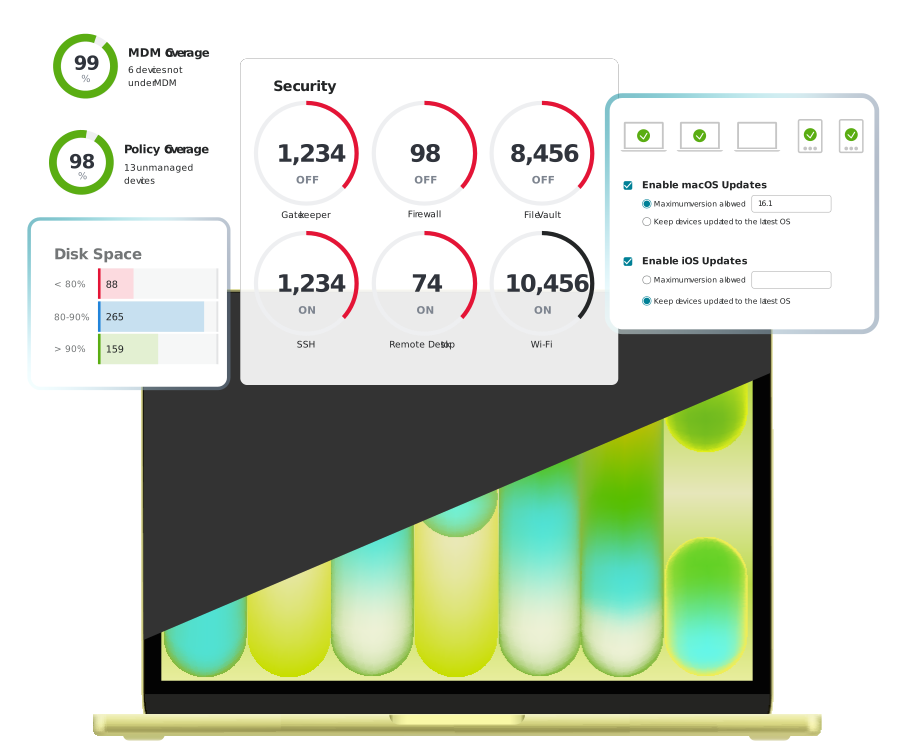
When Apple ships a new iPadOS or macOS release, Addigy ships day-one support. Hold updates until your team has validated them. Push them district-wide when you’re ready. Block app installations and OS upgrades that haven’t been approved. Patch security vulnerabilities without waiting on your vendor.
Learn more: OS Updates and Patching | Software Deployment
Reconsidering your current MDM?
K-12 districts switch MDM platforms for three reasons: rising licensing costs that don’t scale with tight education budgets, scripting overhead to fill product gaps, and a support model that doesn’t match the operational pace of a school year. If any of those sound familiar — particularly heading into a renewal — Addigy is worth a side-by-side look.
See how Addigy compares
If any of those sound familiar — particularly heading into a renewal — Addigy is worth a side-by-side look.
Learn more: Addigy vs. Jamf | Flow migration story
Not ready to migrate mid-contract?
Amplify layers real-time visibility and remote control on top of your existing MDM so you can add capability now and decide on the platform question at renewal.

What’s next for K-12 device strategy
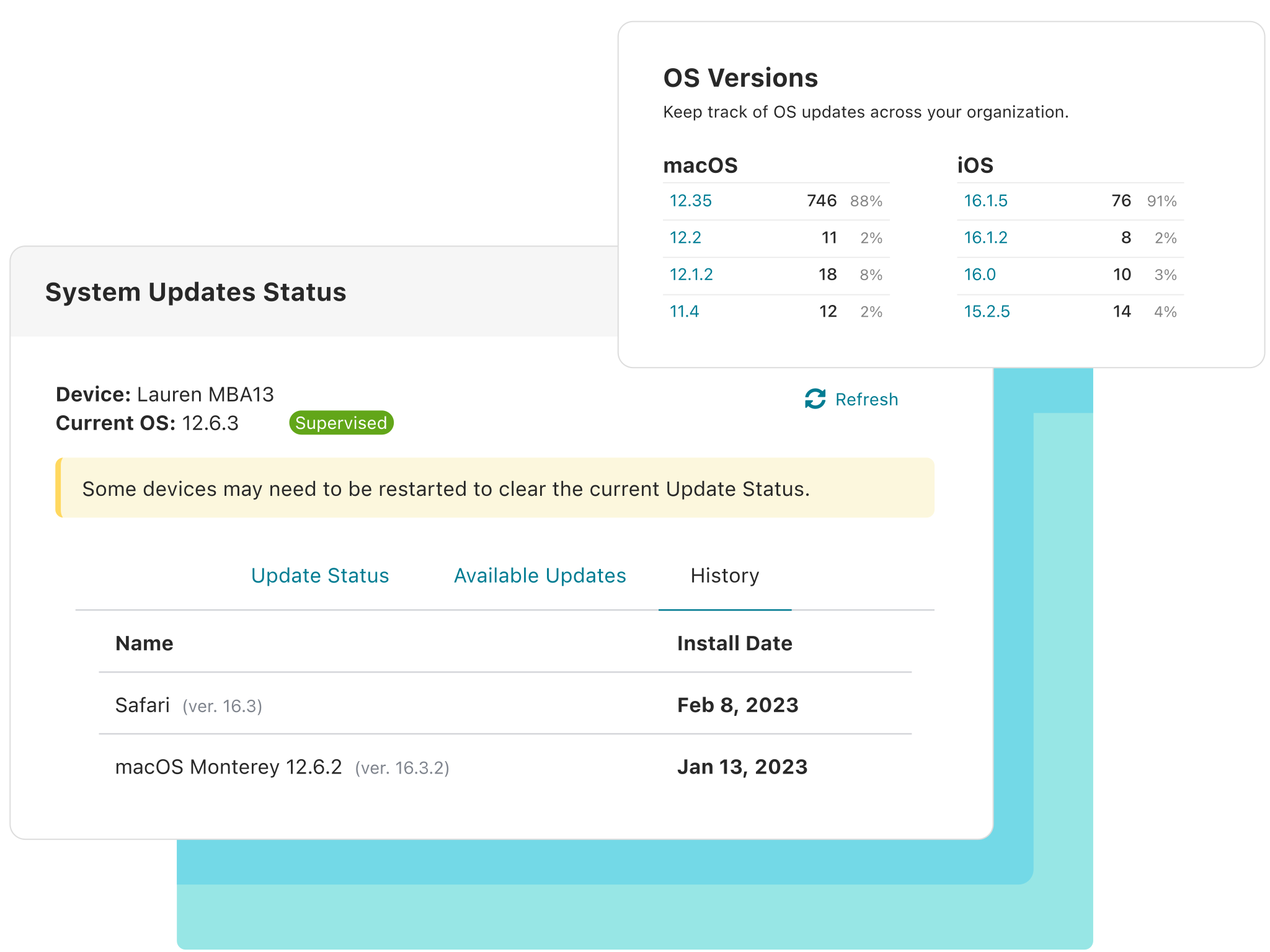
When Apple ships a new iPadOS or macOS release, Addigy ships day-one support. Hold updates until your team has validated them. Push them district-wide when you’re ready. Block app installations and OS upgrades that haven’t been approved. Patch security vulnerabilities without waiting on your vendor.
What you get with Addigy
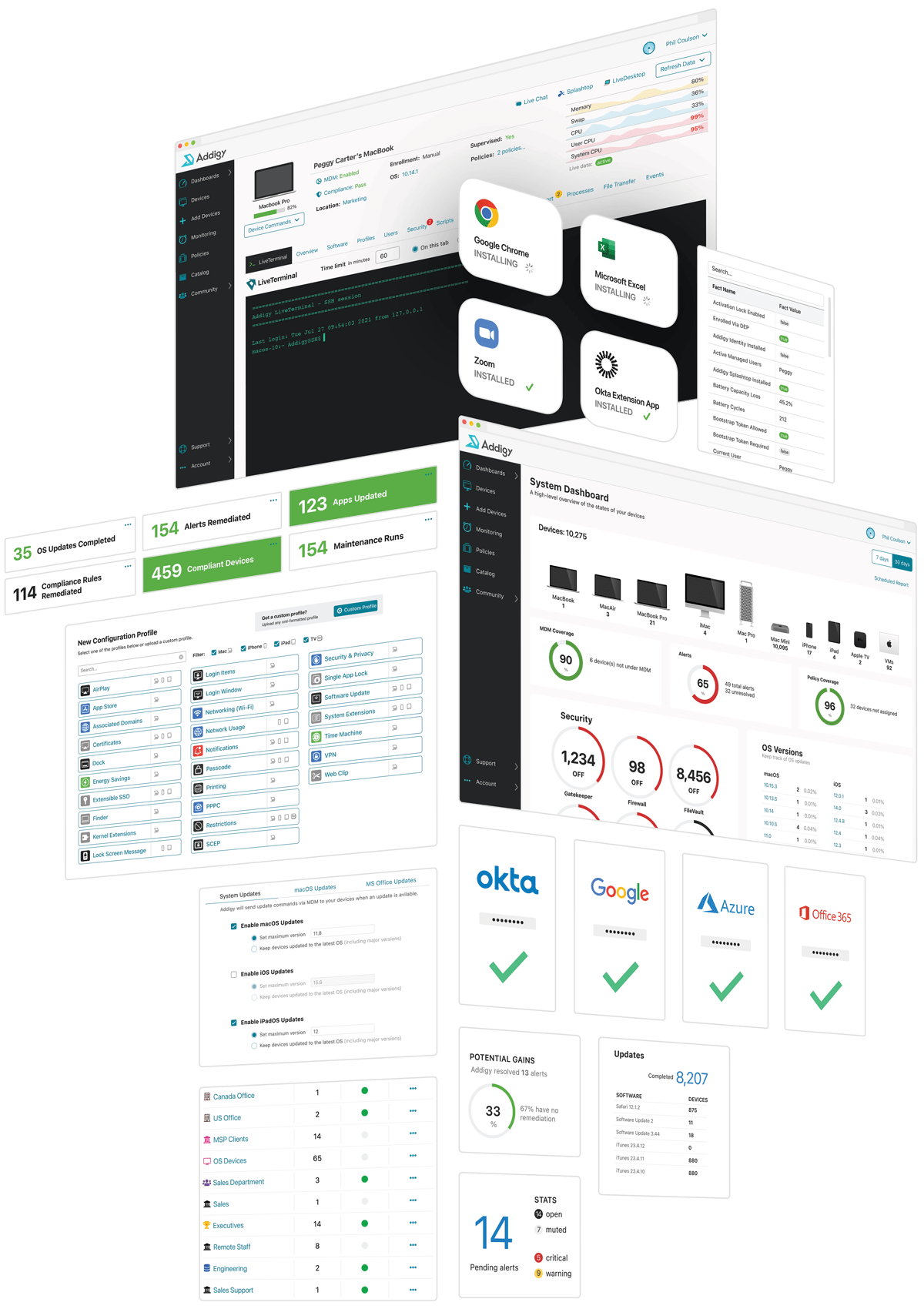
- Gain real-time oversight of your district’s entire fleet—thousands of iPads, MacBooks, and Apple TVs—from one centralized dashboard.
- Deploy student devices in minutes, not hours. Reset Shared iPad carts between class periods without manual touch.
- Set compliance policies that follow the student, not the device — across 1:1 and shared deployments.
- Gate iPadOS and macOS updates until after you’ve tested them.
- Resolve classroom device issues without leaving your office.
Let’s talk Apple MDM for K-12
Talk to a K-12 specialist about your district
Thirty minutes scoped to your renewal, a workflow that is not holding up, or a migration you are evaluating. No prep needed.
Get the K-12 budget-season checklist
Five things worth pressure-testing before your next MDM renewal. Built for K-12 IT directors in the May-to-July window.

See Addigy in action
Join an upcoming group demo webinar to see Addigy walked through end to end, or request a personalized demo tailored to your district.
Let’s get you a demo.