
SOLUTIONS: ADDIGY IDENTITY
The modern Mac login. Powered by your identity provider, included in Apple MDM.
Synced passwords, branded screens, and just-in-time accounts. Live in under 30 minutes – online or off.
macOS Identity and Access Management
A smarter, simpler way to log in.
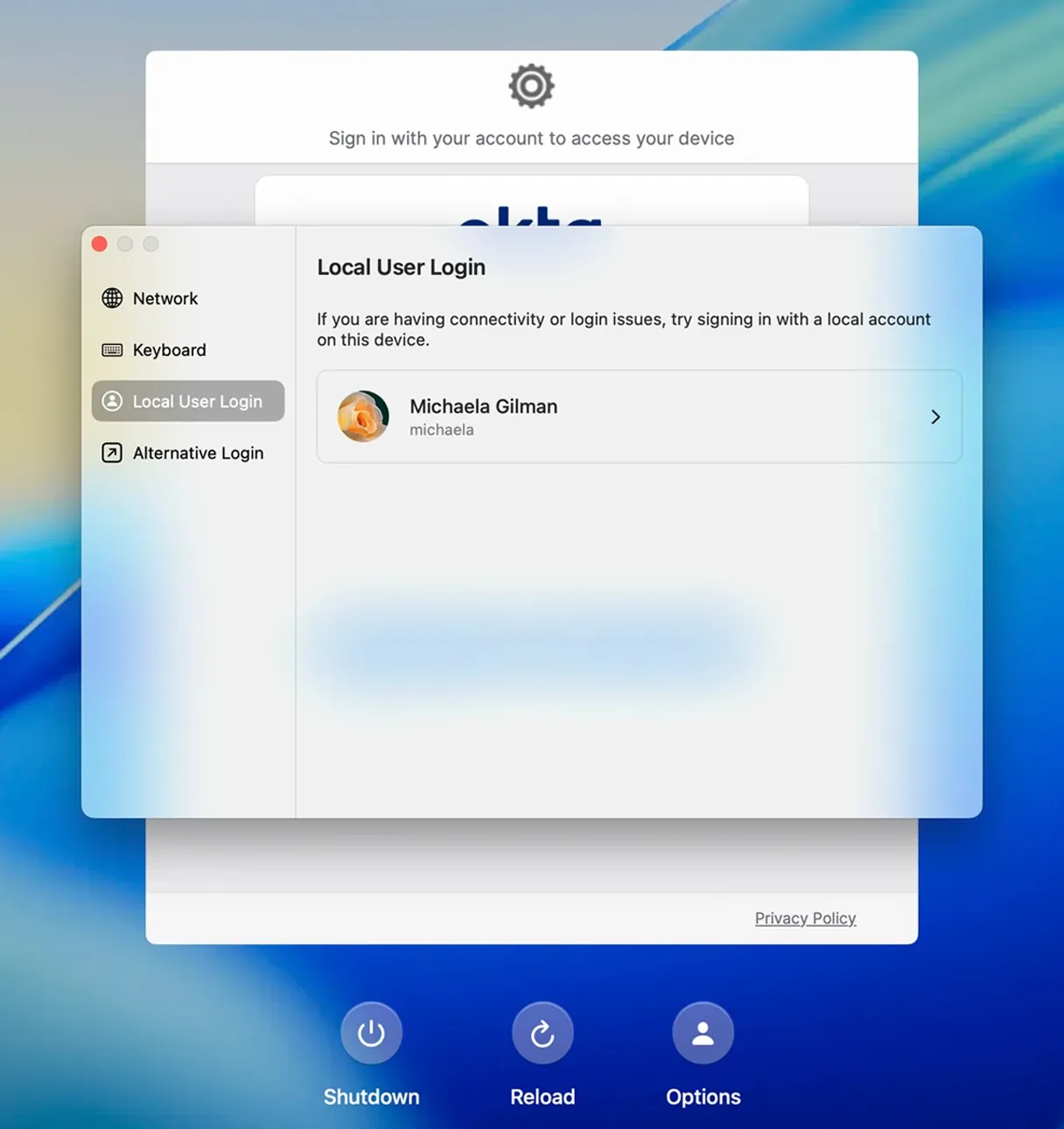
The Mac login is the one screen every user hits every day; it should be secure, on-brand, and automatically updated with every company change. That shouldn’t cost extra.
Not sure which SSO approach is right for you?
Answer a few questions about your Apple devices and goals. We’ll deliver recommendations across Enrollment SSO, Extensible SSO, Apple Platform SSO, and Addigy Identity.
How Addigy Identity works
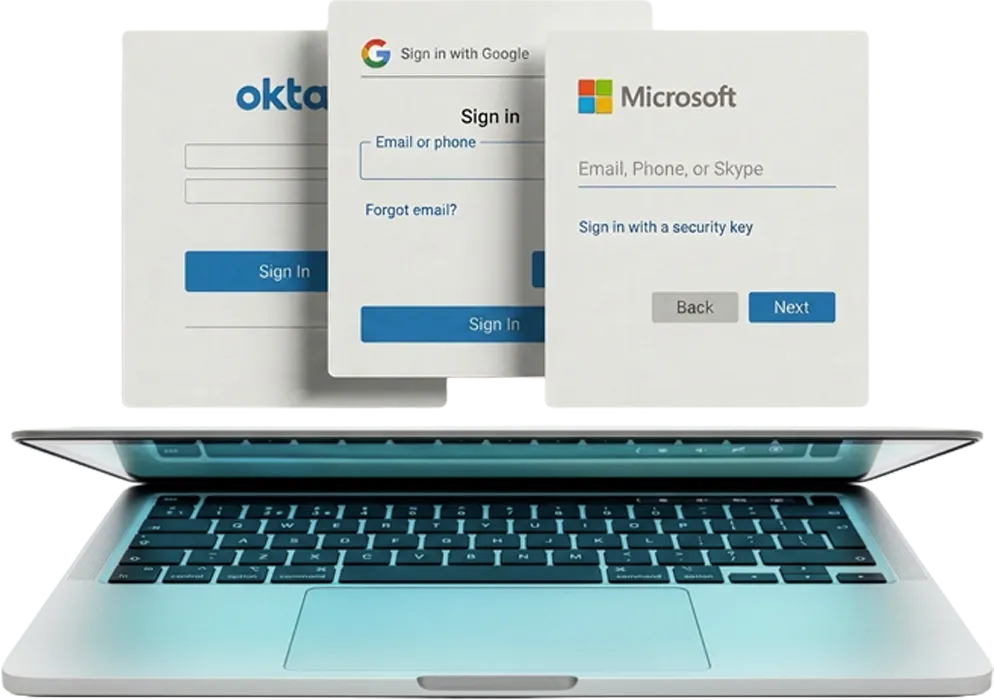
Connect your IdP
(Okta, Entra — set up from Account Integrations, under 30 min)
User sign in
Mac login with their company credentials
Addigy creates or matches the local account, syncs the password, and assigns admin/standard rights, no IT touch
Add a "pilot mode: test before you roll out" tag here on 3.
What customers say about Addigy Identity
We’re always trying to reduce moving parts, not add them. Addigy Identity is exciting because the best identity experience is the one that just works—quietly, securely, and without friction.
Automating things saves time. If you’re spending 5 minutes every hour in the portal, that’s 40 minutes a day just making sure devices are assigned correctly. With end user management, we cut that down to maybe a minute, maybe 30 seconds — so instead of 40 minutes to an hour, you’re saving a lot of time. Our full device setup used to take 15 minutes. We’ve slashed that down to 3 to 5 minutes with this feature, because everything is automated.
Ready to modernize your Mac login?
See Addigy MDM in action with a free trial (14 days, all features, no commitment) or talk to one of our Apple experts
Frequently Asked Questions
Which Identity Providers (IdPs) are supported for SSO enrollment?
Addigy’s SSO Enrollment integrates with any SAML-based identity provider, with documented configuration guides for Microsoft Entra ID (formerly Azure AD), Okta, and Google Workspace, plus a custom SAML path used for OneLogin. SSO Enrollment works with Apple Automated Device Enrollment across macOS, iOS, iPadOS, and tvOS, ensuring only assigned users in the IdP can complete device enrollment into Addigy.
For the macOS login window itself, Addigy Identity supports Microsoft Entra ID, Okta, and Google Workspace.
How do I configure Addigy with Azure AD, Okta, or Google?
Addigy separates two IdP integration paths, and both use the same providers. For the macOS login window, open Addigy Identity and follow the per-IdP guide — create the SAML or OIDC application in Microsoft Entra ID, Okta, or Google, then paste the Entity ID and ACS URL from Addigy into the IdP and assign users.
For device enrollment, go to the policy’s Automated Device Enrollment Settings, set End-User Setup Assistant Experience > Authentication Type to SSO Enrollment, and map the Entity ID, ACS URL, and SAML certificate to a new enterprise application in Entra, Okta, or Google. Only users assigned to the app in the IdP will be permitted to enroll or log in.
Does Addigy support macOS login window SSO?
Yes, through two complementary options. Addigy Identity replaces the native macOS login window with an IdP-backed login powered by Microsoft Entra ID, Okta, or Google Workspace — syncing passwords to the local Mac account, supporting offline logins with the last known password, and remaining FileVault compatible. Addigy also supports Apple Platform SSO via an Extensible SSO configuration profile, with dedicated deployment guides for Microsoft Entra Platform SSO and Okta Platform SSO (Desktop Password Sync). The two approaches can coexist — a common pattern is using Addigy Identity to just-in-time provision the local user, then enforcing Platform SSO for ongoing logins.
Does Addigy Identity work offline or when the IdP is unreachable?
Yes. Addigy Identity supports offline logins using each user’s last known password, so Macs stay usable when the network or the identity provider is unreachable. It is compatible with FileVault, and an optional emergency bypass is available for admins to grant access in edge cases.
How long does it take to set up Addigy Identity?
Setup takes under 30 minutes in most environments. Addigy Identity is configured from Account > Integrations in the Addigy Console, connects to your existing IdP (Microsoft Entra, Okta, or Google Workspace), and does not require certification or complex onboarding. A pilot mode lets teams test login flows and policies before rolling out company-wide.
Does Addigy Identity sync passwords and user attributes from my IdP?
Yes. Addigy Identity keeps Mac passwords in sync with the identity provider and pulls user attributes such as department, location, and job title from the IdP into Addigy. Those attributes can drive policy assignment, admin or standard privilege provisioning, and asset tracking — replacing spreadsheet-based ownership lists.