What is AppleSeed and why should you join it? How to get Apple OS releases early
OS upgrades are coming…
Every fall Apple releases new OSes for their various device platforms. To have the most up to date security on device, and to support the latest features, it is best practice to be on the latest OS. However, that is not always possible day one in the enterprise, because 3rd party software titles and peripherals that are needed for day to day operations by end users do not support the latest OS version.
The best way to ensure that your 3rd party software and tools will be ready on day one for the latest Apple OS release is to test that OS during the beta window post WWDC. This is when the new OS is announced but before the general release of the OS in the fall.
How to get early access:
Apple runs a number of beta program branches and Feedback programs. These beta programs exist to find issues, gaps, and bugs, and solve them before the release of the OS upgrade in the fall. However, there are also improvements that take place all year long from these programs in minor OS updates.
What Apple Beta Programs are available today:
- Public beta – beta.apple.com
- This is the consumer level beta program that any end user with an Apple Account (for basic Apple services like the AppStore, Apple Music, or iCloud) can participate in. This is the slowest of the beta tracks, but it offers the easiest path to join at beta.apple.com
- Apple Developer Account – developer.apple.com/register/
- This beta program is rolled into the developer program where Apple developers can get access to developer tools like Xcode, and link their account to AppStore app submissions of their work.
- There is also an OS beta program component of this program and it typically gets beta OS access very shortly after the new OSes are announced at WWDC. This program also gets access to ongoing minor version updates (EX: 26.5 or 26.6) in beta releases for testing all year long.
- AppleSeed
- For enterprise users, AppleSeed is far and away the best program to participate in. It allows for the same level of access to beta OS releases that the Apple Developer Account enables, but it layers on additional functionality specific to enterprise Apple device management and enablement.
What makes AppleSeed different from other Apple Beta Programs?
AppleSeed is targeted to Internal IT departments and IT technicians in both the public and private sector. There is an IT and EDU track, but both get the same access to OS releases.
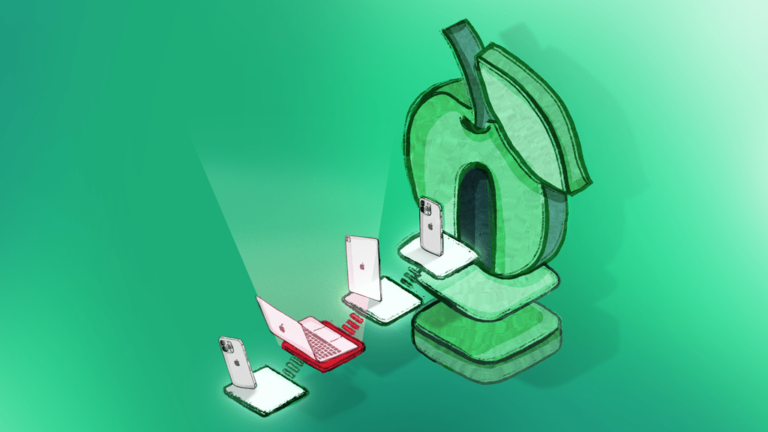
The largest advantage to AppleSeed for enterprise managed devices is the program enrollment feature. This allows for devices enrolled in a Device Management server (such as Addigy) to get beta OS upgrades and updates installed automatically. If those devices exist in an Automated Device Enrollment token from Apple Business/School services they can get the program enrollment. That ADE token membership allows for a Declaration to be sent to the managed device and that device can then be offered an upgrade to the beta os for testing purposes.
You can also require a beta program on a device, this would make it so the device will automatically update to the beta OS shortly after it is released. This allows for easy testing of 3rd party software titles and peripherals that are needed for day to day operations by end user without them needing to get the beta OS themselves.
How can I get started with AppleSeed?
To join AppleSeed you will need to do the following:
- Join Apple Business (business.apple.com/signup) if you have not already, and ensure all your managed devices are in that business organization
- Using your Managed Apple Account from Apple Business or Apple School that is now enrolled, sSign in beta.apple.com/programs and join AppleSeed.
- In Addigy, import your Apple Business token for device enrollment. No other step is needed to enable the AppleSeed activation, you can just go pick your program you want to test with.
- With your devices in that policy linked to the token, you can now deploy the beta OS for more on configuring that see Managing Beta OS Updates via Addigy.
What is the best way to use this beta program?
Once you are in AppleSeed and you have it deployed to your managed devices in your testing group, try and replicate common tasks. If you run into any issues with them, document the issue with the following to help find root cause:
- Time stamp of the issues
- Screenshots or a video of the issue
- Feedback filed from the device in question
- If this can not be achieved, you can gather the logging archive (on macOS on iOS/iPadOS) and submit from another device. However, sending logs and Feedback from the affected device (using Feedback Assistant) provides the best context (and logging timestamps, if possible)
If you have questions on how to send Feedback to Apple or have questions on the beta OS compatibility with Addigy please reach out to Addigy support via your account or e-mail.